Keep the source with the contact
A collected profile is not automatically a qualified prospect. Review identity, email provenance, and relevance, then retain the full CSV as an audit copy even if you use the email-only download.

Social Scraper
Free tools
AI Agents
Collect available public profile contacts with Octrieve's LinkedIn email scraper. Start from an account, public post, hashtag, or known account list in an available mode, then review the source context before exporting.








#01
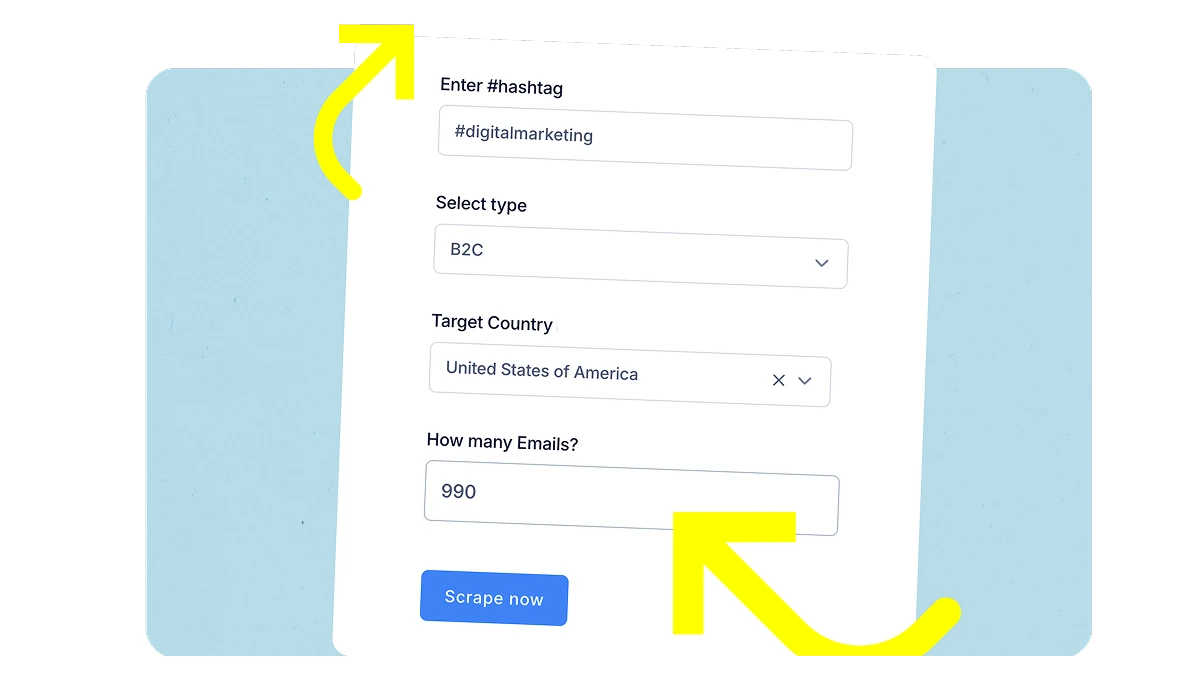
Open the LinkedIn dashboard and choose an available account, post, hashtag, or custom-list mode. Enter the input that mode asks for. Coverage varies by source; the mode is not a guarantee of a complete LinkedIn audience.
#02
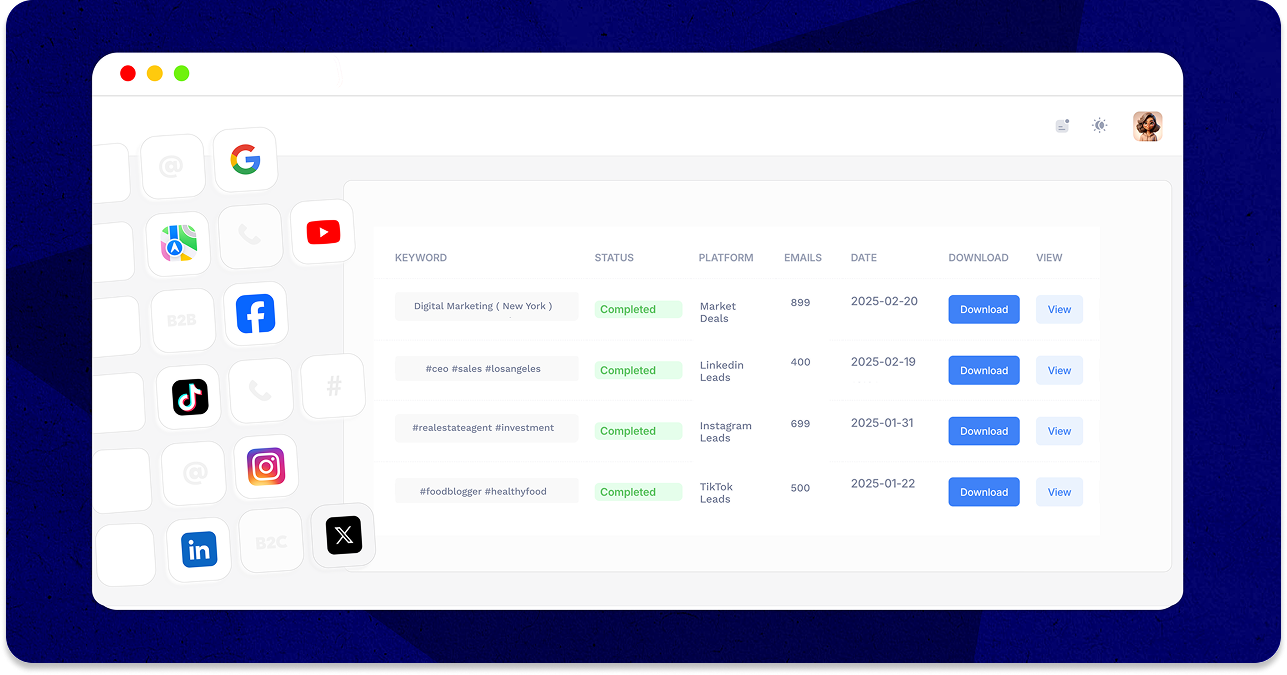
Review the job status and the source of its records in your dashboard. A partial job, imported data, and a fresh provider fetch describe different outcomes; inspect the available source links before expanding a list.
#03
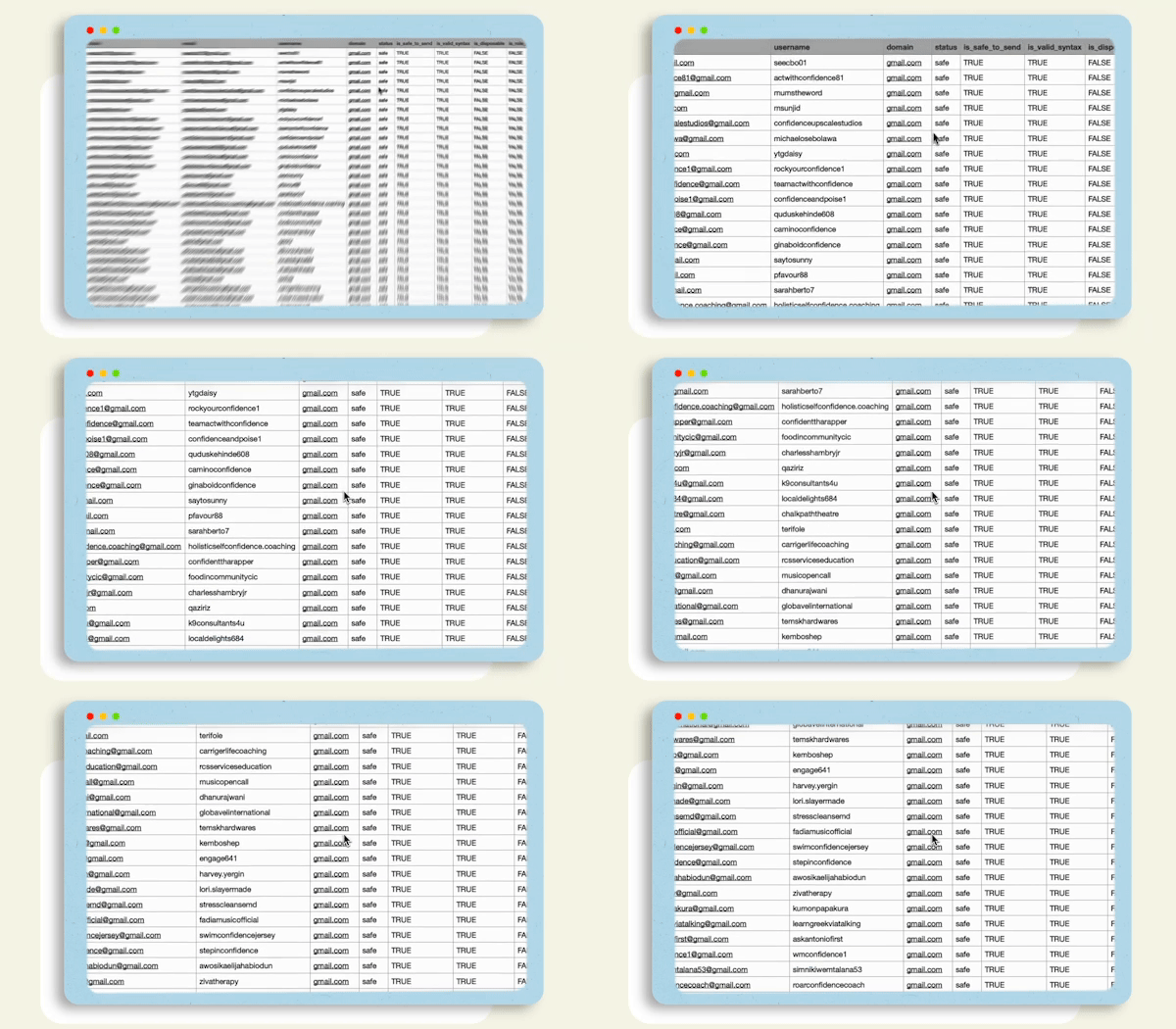
Export profile identity, available emails, bio, location, source links, counts, email source, and format-only validation. Some fields can be empty. The sample file is fictional and documents the current eleven-column export; it is not a live results benchmark.
A LinkedIn profile, an email address, and a qualified sales prospect are three different things. Use the source link and export fields to review each result before adding it to a campaign.
| CSV field | What it tells you |
|---|---|
| Username, Name, Profile URL | Profile identity and a link for reviewing the source. Names can be missing. |
| Addresses exposed in the available source. More than one address is separated with a semicolon; the field can be empty. | |
| Bio, Location | Source text, when available. A location is a profile statement, not a verified country filter. |
| Followers, Following, Tweets | Available profile counts. Unsupported counts can be zero; they are not quality scores. |
| Email source, Validation | Provenance plus format_only. A format check does not establish mailbox existence, consent, or deliverability. |
Download an illustrative CSV sample
Fictional records using example.com. Generated through the current CSV exporter on 26 October 2026 to document the format; this is not a live scrape or a results benchmark.
Choose an audience or account list you can review. Keep candidate profiles separate from profiles with emails and from contacts that qualify for your campaign.
Use Profile URL and Bio to review the source. A source match is a research clue; it is not independent verification of a person, employer, or location.
Everything happens in the dashboard - no browser extensions, no code, and a CSV you can import into your outreach tool.
No per-email fees: monthly allowances from the Free plan to 30,000 on Max, with extra volume only when you need it.
Features
A collected profile is not automatically a qualified prospect. Review identity, email provenance, and relevance, then retain the full CSV as an audit copy even if you use the email-only download.
Available modes accept account handles, public post links, hashtags, or account lists. Mode access and editable limits depend on your plan.
Where your plan permits it, narrow returned profiles using bio text. A text match does not verify occupation, employer, or geography.
Download the full CSV for profile context and provenance, or an email-only file for tools that need one Email column. Review the illustrative sample before mapping an import.
Keep profile links alongside the collected fields. A Location value is source text, not a verified country filter; some fields may be empty.
Octrieve works with publicly accessible information only, and our compliance pages explain the sourcing approach in plain language.
Scrapes run in the cloud - nothing to install, nothing to keep open on your computer.
Work from available public-source information and inspect the provenance of your records. A published contact address does not by itself establish permission for a campaign.
LinkedIn is one supported platform. The same dashboard also collects contacts from Facebook, Instagram, TikTok, X, and YouTube.
Choose an available source mode, then enter its account, public post URL, hashtag, or account list. Set a limit within your allowance. Mode access depends on your plan.
Start on the free plan and upgrade only when you need more volume.