








For Recruiters

Candidate Sourcing: Organize Public Profile Contacts

Build a reviewable contact research list for a hiring assignment. Start from relevant professional profiles or an available public audience, collect the fields the source returns, and retain each profile URL. Octrieve organizes contact data; a returned profile is not a verified candidate, an expression of interest, or a hiring recommendation.

See the shared profile collection workflow

Powering 30,000+ businesses worldwide

Give your recruiting team a traceable research list with source links, available contact fields, and clear gaps to review before an ATS import.

Keep sourcing evidence separate from candidate assessment

Define the research set first

Write the role brief and select relevant professional sources yourself. An account audience or a hashtag can contain peers, vendors, and unrelated profiles; it is not a list of applicants.

Retain the original profile

Use Profile URL to check identity and source context. A common name or a keyword in a bio does not establish current employment, a qualification, or interest in moving jobs.

Review missing contact details

Some profiles publish no email. Keep an empty field empty rather than guessing a personal address. The requested email limit is a stopping target, not a guaranteed result count.

Prepare a controlled handoff

Map the actual CSV columns, remove duplicates across research files, review your suppression records, and keep human review before any outreach or hiring decision.

A recruiter-specific contact research workflow

#01

Select a relevant source set

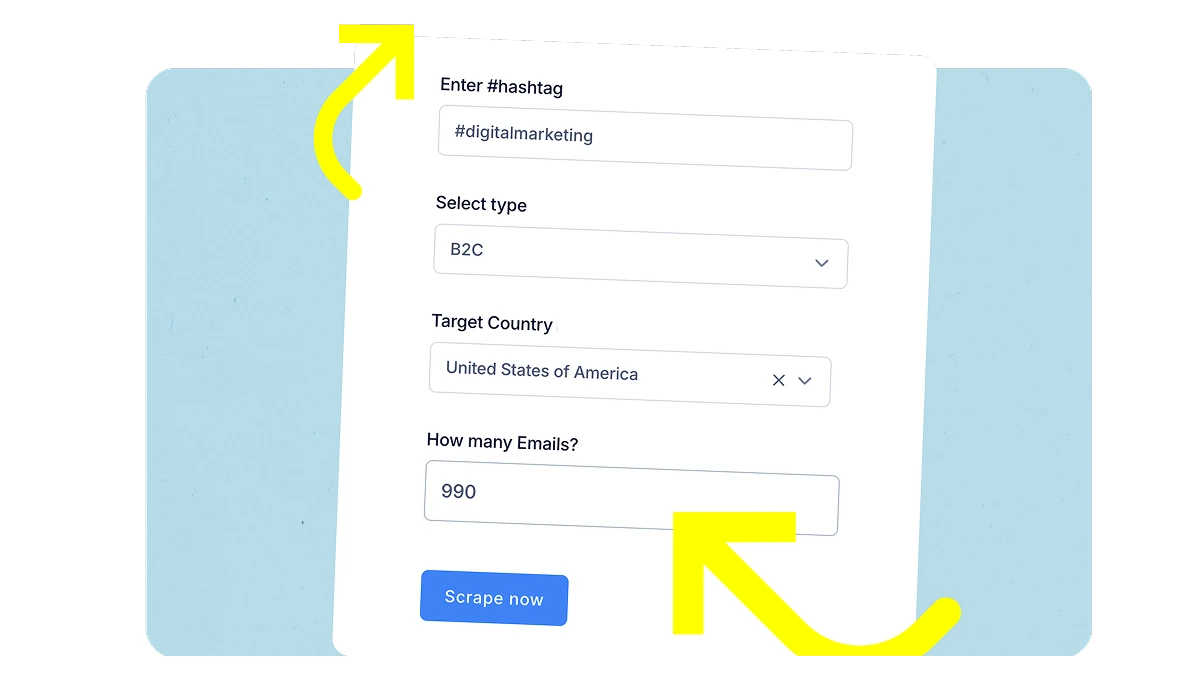
Use the role brief to assemble a small, relevant set of professional profiles or public sources. Open the LinkedIn dashboard and choose an available mode. Account modes take an account, post modes a public post URL, hashtag mode a topic, and custom lists a set of accounts. There is no verified job-title or country filter in this workflow.

Select a relevant source set

#02

Review the collection result

Set a limit within your allowance and inspect the job status. Paid bio filters match text; they do not confirm skills or employer. Check whether the job used a live provider, imported records, or demonstration data, and review the returned profile URLs.

Review the collection result

#03

Map the CSV for a manual ATS import

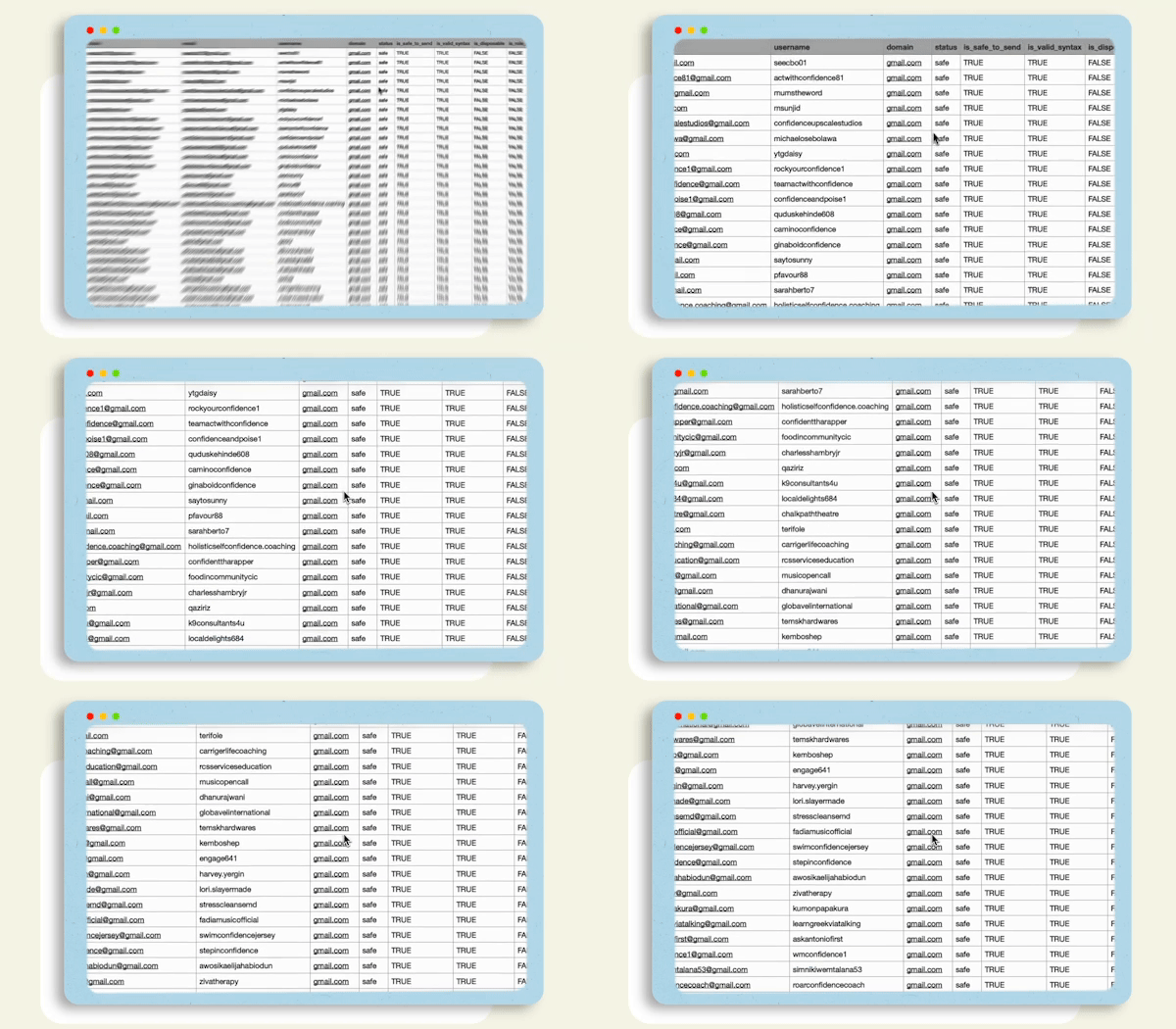
Export the full CSV to preserve profile identity, available email, bio, location, Profile URL, counts, Email source, and Validation. There are no dedicated Company or Job title columns and no direct ATS integration promised here. Add any separately verified fields in your recruiting system and preserve provenance.

Map the CSV for a manual ATS import

What to hand off with a recruiting research list

Keep the contact field, its original profile, and the work still needed to qualify the record together. These eleven export columns document source data; they do not score candidates or establish hiring suitability.

Review a small research set before scaling

  1. Write the role brief and select relevant professional profiles or public sources yourself. Choose an available account, post, hashtag, or custom-list mode.
  2. Inspect the returned Profile URL and Bio for identity and context. Confirm qualifications and current employment separately; the export does not provide verified job-title, company, or eligibility fields.
  3. Retain a full CSV with provenance, then map the actual columns to a manual ATS import. Review relevance, duplicates, and suppression records before contacting anyone.
CSV fieldWhat it tells you
Username, Name, Profile URLProfile identity and a link for reviewing the source. Names can be missing.
EmailAddresses exposed in the available source. More than one address is separated with a semicolon; the field can be empty.
Bio, LocationSource text, when available. A location is a profile statement, not a verified country filter.
Followers, Following, TweetsAvailable profile counts. Unsupported counts can be zero; they are not quality scores.
Email source, ValidationProvenance plus format_only. A format check does not establish mailbox existence, consent, or deliverability.

Download an illustrative CSV sample

Fictional records using example.com. Generated through the current CSV exporter on 26 October 2026 to document the format; this is not a live scrape or a results benchmark.

Check these limits before using a list

  • This is contact research, not applicant screening or a hiring recommendation. Human review is required to establish role relevance and any facts used in a recruiting decision.
  • An empty Email field stays empty. format_only does not establish deliverability, consent, or an existing relationship with a candidate.
  • The downloadable sample is fictional. It does not demonstrate a fresh provider fetch, a verified talent pool, or any recruiting outcome.

Follow a platform-specific walkthrough

Features

Useful output for a recruiting research handoff

A profile list is the start of research

For a specialist role, begin with a small list of professional profiles you can inspect. Use available account, public post, hashtag, or custom-list modes to organize source data. Review each returned profile against the role brief; the software does not validate qualifications, availability, work authorization, or hiring suitability.

A profile list is the start of research

Monthly allowances, no per-email fees

No per-email charges: collect up to your plan's monthly email allowance, from 300 on Free to 30,000 on Max.

Bio text as a research clue

Where available, a paid bio keyword filter narrows text matches. Confirm the meaning in the original profile instead of turning the match into a verified skill or job-title field.

Visible job status

Review completion, partial results, and available source details in the dashboard. An audience mode does not establish complete platform coverage.

Profile context in the full export

Keep Name, Bio, Location, and Profile URL beside an email. Location is source text, not a verified country or a signal of hiring eligibility.

Manual CSV mapping

Download the full CSV or email-only file. The email-only export removes source context, so retain a full research copy before preparing an ATS import.

Explicit validation limits

The format_only label describes syntax checking. It does not establish mailbox existence, deliverability, a candidate relationship, or permission to contact someone.

Pricing

Start for free and scale as you grow.

Billing options

Free

$ 0
  
 
Current plan
100 emails / mo
Features:
  • 100% verified emails
  • 1 concurrent job
  • 50 emails a task
  • Low speed
  • Single platform
  • Basic discover
  • Regular support

Pro

$ 29
~5 months free/ month
$588 $349 billed yearly
10,000 emails / moExtra: $0.009 per email
← All Free features, plus:
  • 100% verified emails
  • 2 concurrent jobs
  • No daily email limit
  • Medium speed
  • Multiple platforms
  • Advanced discover
  • Early feature access
  • Priority support

Enterprise

Custom
  
 
Custom number of emails
← All Max features, plus:
  • 100% verified emails
  • 8 concurrent jobs
  • No daily email limit
  • Ultra-high speed
  • Custom platforms
  • Custom discover
  • Early feature access
  • Personalized support
  • Account manager

Candidate sourcing questions

No. It organizes available profile and contact fields from a selected source. You define relevance and review identity, qualifications, current employment, and interest separately. A bio keyword match is not a candidate assessment.

Start with a small source set you can review.

Check the workflow and current account allowance, then evaluate the source and export before expanding your research.

Sign Up to Octrieve For Free